

This feature summarizes your lengthiest patient records into one cohesive paragraph consisting of the most relevant medical history you need to know about your patient - retrievable via the API or dashboard.
This is a premium feature - if you’d like access to it,
contact us and let us know!
API
When using the API, you can access the AI brief by triggering a Consolidated Data Query request. Depending on theconversionType you choose, the AI brief will be included in the response in a
different format (see FHIR Bundle or
Medical Record Summary below).
FHIR Bundle
When triggering a consolidated query via the API with theconversionType query param set to json,
the AI brief will be included in the response under a
Binary resource with the following format:
The
data field is a Base64 encoded string containing the
AI brief text.Medical Record Summary
When triggering a consolidated query via the API with theconversionType query param set to
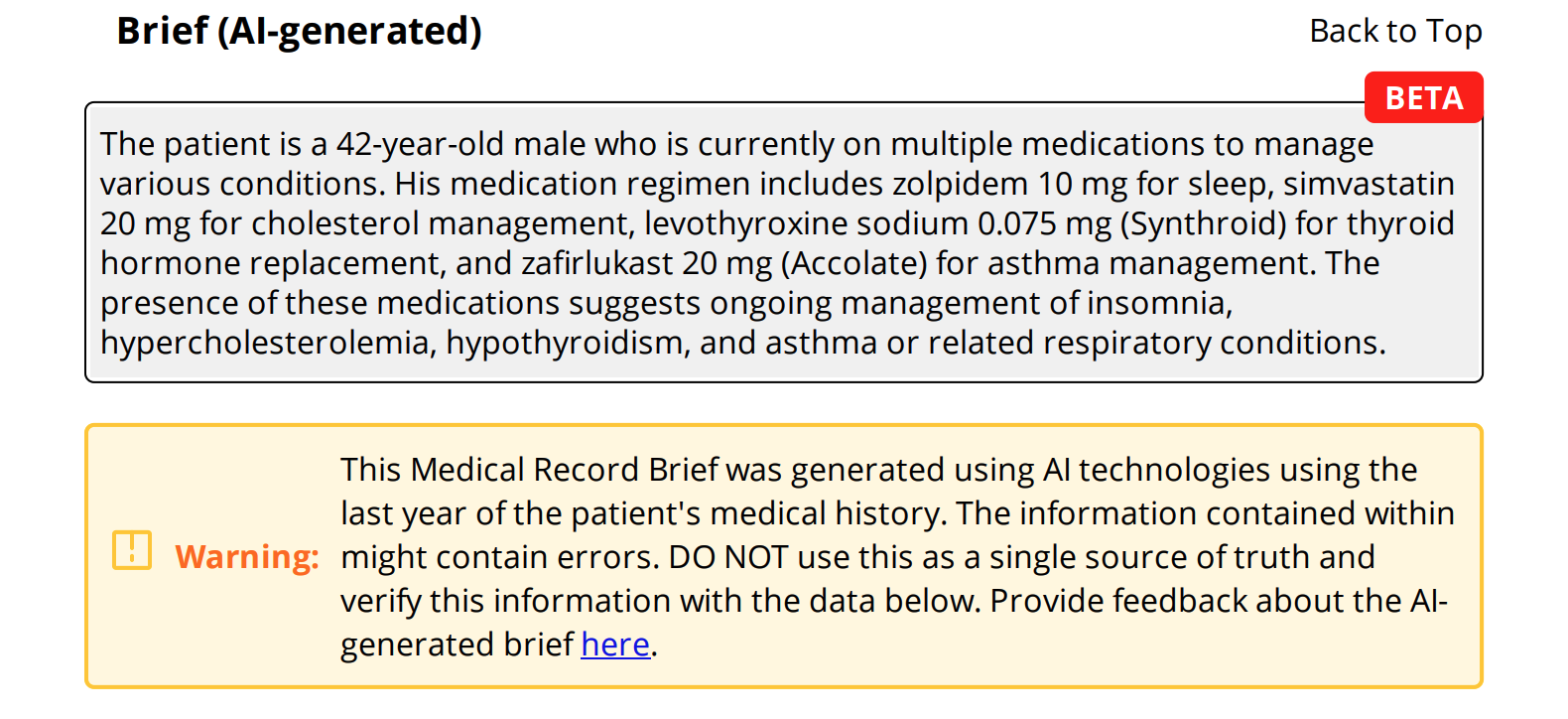
html or pdf, the AI brief appears
at the top of the Medical Record Summary document.
Dashboard
Once a patient’s data is loaded in the Metriport dashboard, you can view their AI brief at the top of their medical record history.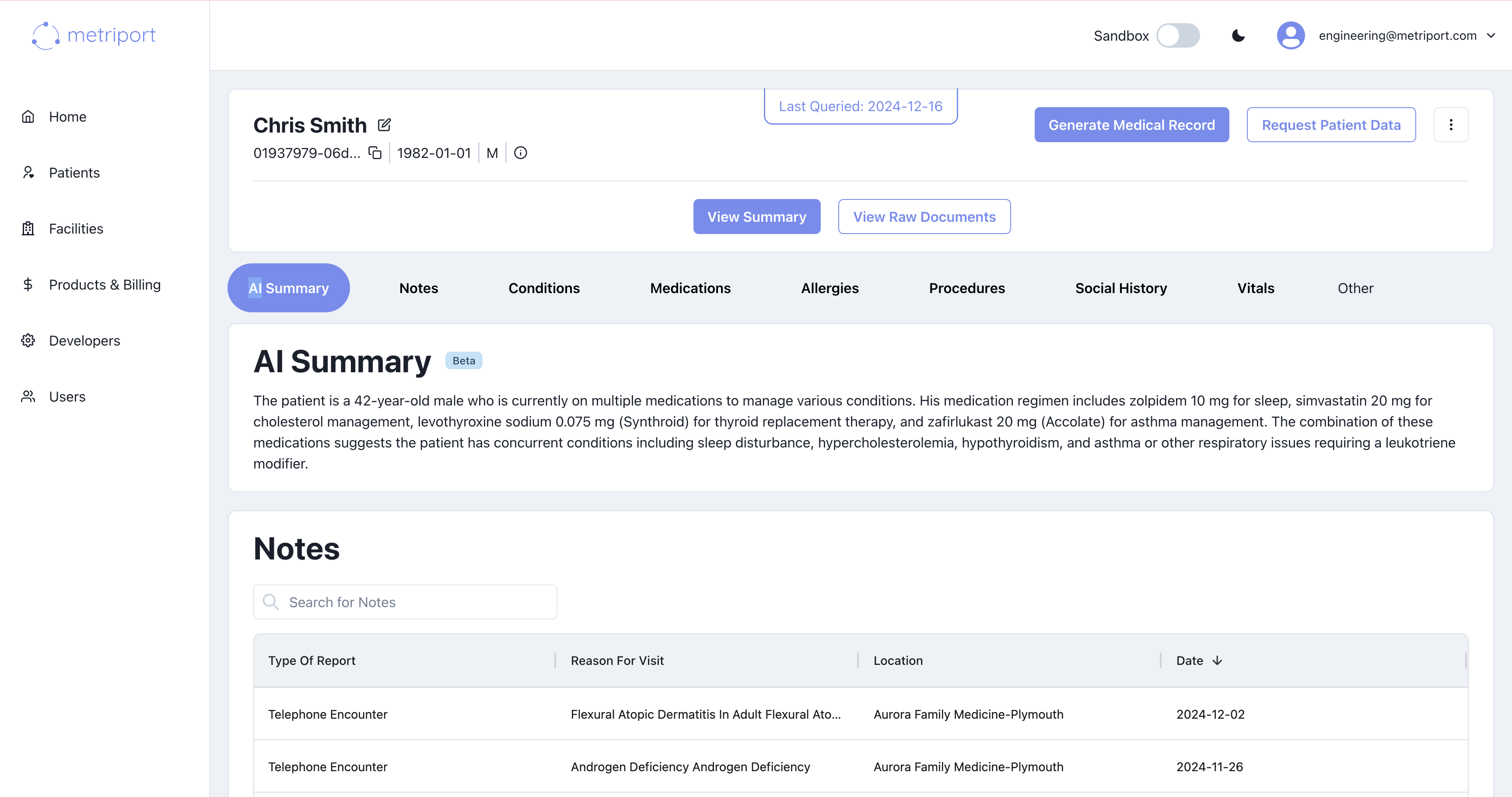
Data Warehouse
AI summaries are available in the data warehouse under theBinary resource table. The AI brief text is stored as Base64-encoded data in the data column, and can be identified by the meta_source field which contains "metriport:ai-generated-brief".
The
data field contains Base64-encoded text. You’ll need
to decode it to retrieve the AI brief content.